Summary:
The right video conferencing solution starts with one decision, a standardized platform like Microsoft Teams Rooms or Zoom Rooms, or a flexible bring-your-own-meeting setup. From there, room size, acoustics, lighting, camera angles, and microphone coverage all shape whether people can be seen, heard, and understood. Backman Vidcom designs, installs, programs, and supports meeting room AV across Atlantic Canada.
MEETING ROOM DESIGN
How Do You Get Video Conferencing Right?
The right video conferencing system doesn’t just connect calls. It improves collaboration, supports hybrid work, reduces friction, and keeps your organization moving.
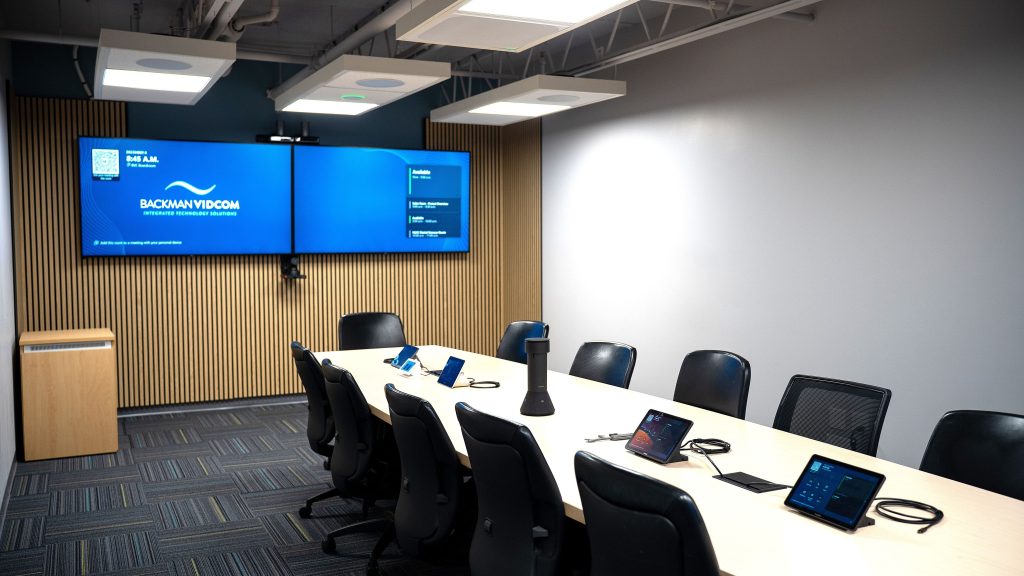
It starts with one key question: do you need a standardized platform across your meeting rooms, such as Microsoft Teams Rooms or Zoom Rooms, or do you need a flexible bring-your-own-meeting approach? That decision shapes the user experience, support model, equipment selection, and long-term reliability of your system.
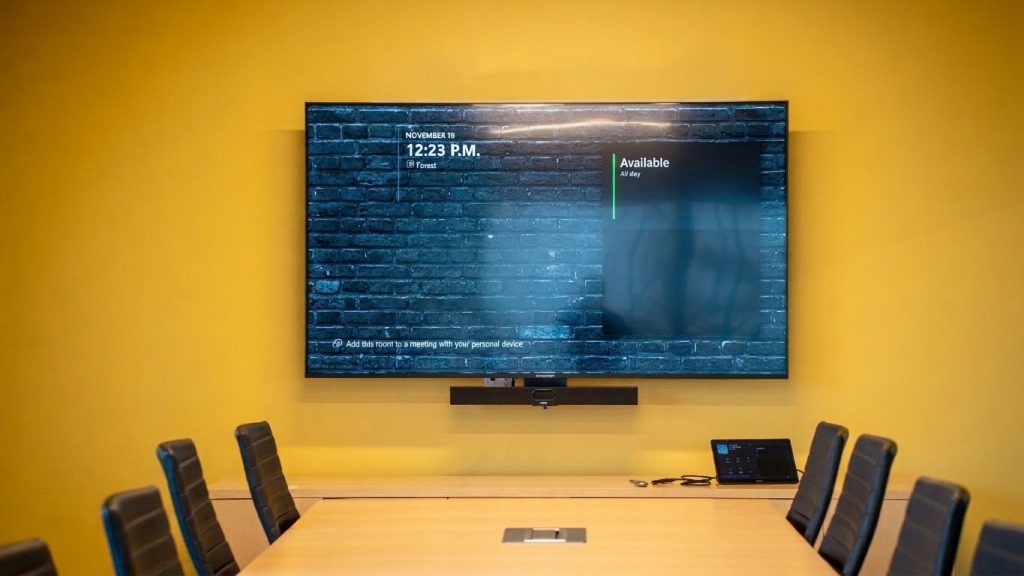
From there, details in the room matter:
- Size and layout
- Room Materials (hard or soft surfaces, glass, wood)
- Lighting and Windows
- Acoustics
- Ceiling height
- Camera angles
- Microphone coverage
- Speaker placement
- Network access
- Control interfaces
These details all need to be understood as they all affect whether people can be seen, heard, and understood.
That’s when working with an experienced AV integration partner makes the difference.
Why Work With Backman Vidcom for Video Conferencing?
At Backman Vidcom, we help clients move from “we need better video conferencing” to a complete solution that fits the space, the users, and the organization. Our team supports design, engineering, installation, programming, training, and ongoing service.
We’ve seen how thoughtful AV design improves real-world outcomes. Over the past five years we have designed, installed, programmed and supported over 200 rooms per year! These spaces vary from a 4 person huddle space to large executive conference rooms with complex requirements like moveable walls.
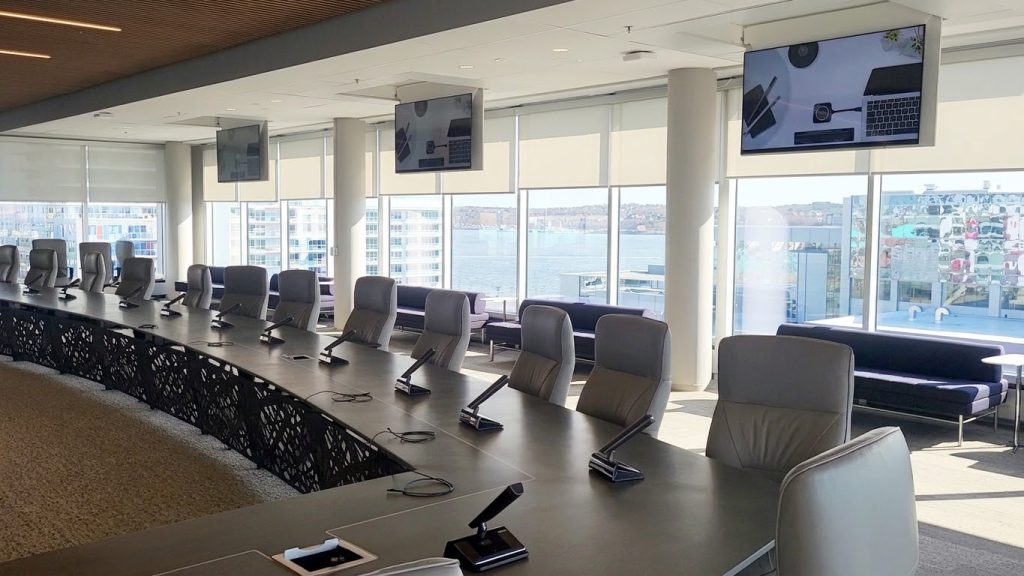
What Should You Consider Before a System Design?
Before requesting a system design, it helps to consider the following:
- Your preferred meeting platform
- Room size, layout, and lighting conditions
- Typical meeting types
- Number of in-room and remote participants
- IT and network requirements
- Accessibility needs
- Desired ease of use
- Installation constraints or existing infrastructure
Pro Tip
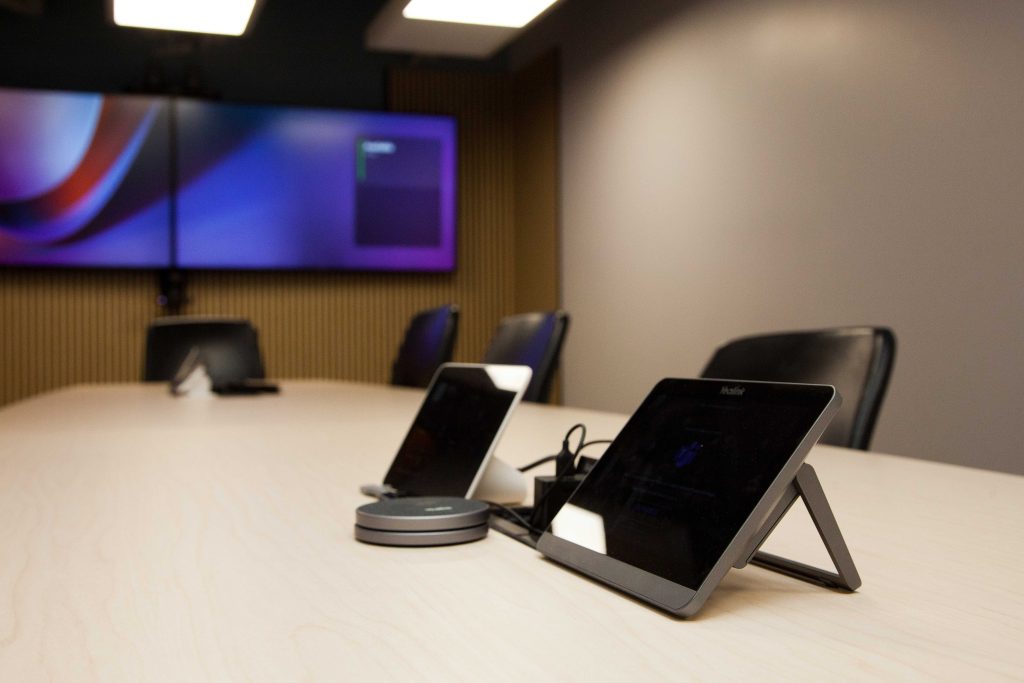
Did you know that Microsoft Teams Rooms devices can be configured to accept and join Zoom and Webex meetings? There is no need to lock your team into one meeting platform.
AND THE WINNER IS…
Congratulations to Jay Redmond of Truro on winning our 50th Anniversary TV giveaway.
Our thanks to our partner LG for the fantastic prize, and to everyone who entered.

Ready to improve your meeting experience?
Connect with Backman Vidcom to start shaping your video conferencing needs into the right solution.
Since 1976, Backman Vidcom has helped organizations across Atlantic Canada design and support AV, collaboration, communication, acoustics, digital signage, and security solutions. Whether you’re upgrading one room or standardizing spaces across your organization, we can help you plan it properly from the start.
SUPPORT ATLANTIC CANADIAN BUSINESS
If Backman Vidcom has supported your organization, a Google review takes two minutes and helps other Atlantic Canada decision-makers find a trusted partner.