AI now shows up in nearly every modern meeting room platform, from cameras that follow the speaker to systems that flag a failing microphone before anyone notices on a call. The question for most organizations isn’t whether to use AI features, it’s understanding what they actually fix, and what they don’t.
At Backman Vidcom, we design and install AV systems across Atlantic Canada, including platforms with AI built in. Here is what we have learned about where it genuinely helps, and where it can’t substitute for good system design.
TL;DR
AI-powered camera framing automatically keeps speakers centred and visible to remote participants. Noise suppression filters out keyboard clicks, HVAC hum, and background chatter. Device monitoring flags failing hardware before it causes a meeting failure. AI cannot fix a camera in the wrong position, a room with bad acoustics, or microphones that don’t cover the full table. Treat AI as a refinement on top of correct system design, not a replacement for it. Microsoft Teams Rooms Pro and similar platforms build AI features in natively, but still depend on properly specified hardware.
Why AI Became Standard in Meeting Room AV
The push toward AI in Pro AV tracks closely with the rise of hybrid work. Once organizations had to design rooms that served in-person and remote participants equally, manual camera control and basic conferencing hardware stopped being good enough. AI stepped in to automate the parts of the experience that used to require someone fumbling with a remote.
A recent AVIXA survey found that a substantial share of AV professionals are optimistic about AI’s role in the industry, driven largely by its ability to streamline meeting experiences and reduce the management burden across multiple rooms.
What AI Actually Does Well
Camera Framing and Tracking
AI-powered cameras detect who is speaking and adjust framing automatically, either centring that person or splitting the view so everyone at the table gets visibility on the remote end. This is one of the more reliably useful applications, particularly in larger rooms where a single static wide shot makes it hard to see individual faces. Our post on what AV technology a hybrid meeting room actually needs covers PTZ and AI-tracking cameras in more depth.
Audio Cleanup
Noise suppression features use AI to filter out background sound, keyboard typing, HVAC noise, and similar distractions, so the people on the call hear voices more clearly. This works best alongside proper microphone placement and acoustic treatment. For more on the acoustic side, see our post on how sound masking and acoustic panels improve the workplace.
Device Management and Monitoring
On the management side, AI-enabled platforms can flag device issues before they cause a meeting failure, track firmware status across multiple rooms, and reduce the manual IT oversight required to keep a fleet of meeting rooms running. For organizations managing several rooms across different locations in Atlantic Canada, this is one of the more practical benefits.
Where AI Doesn’t Help
This is the part vendor marketing tends to skip. AI camera framing cannot compensate for a camera mounted in the wrong position. Noise suppression cannot fix a room with so much echo that speech becomes unintelligible. No software feature solves a microphone array that simply wasn’t positioned to cover the full table.
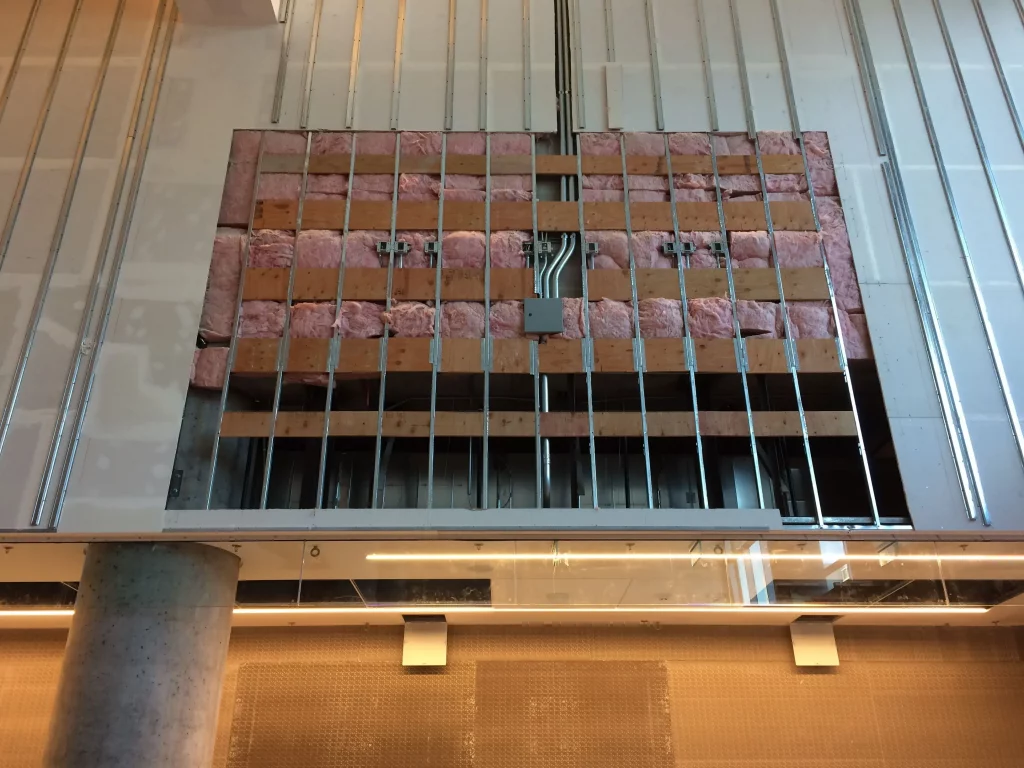
AI is a layer that improves a correctly designed system. It does not replace the underlying design work: acoustics, camera placement, and microphone coverage matched to the room. A room with poor fundamentals will still perform poorly, AI features or not.
Microsoft Teams Rooms Pro and AI Features
Microsoft Teams Rooms Pro is one of the more visible examples of AI in meeting room platforms. It includes automatic camera framing to keep speakers properly positioned, in-meeting chat notifications so people in the room can see when remote participants are messaging, and a management platform that automates updates and flags problems across multiple rooms.
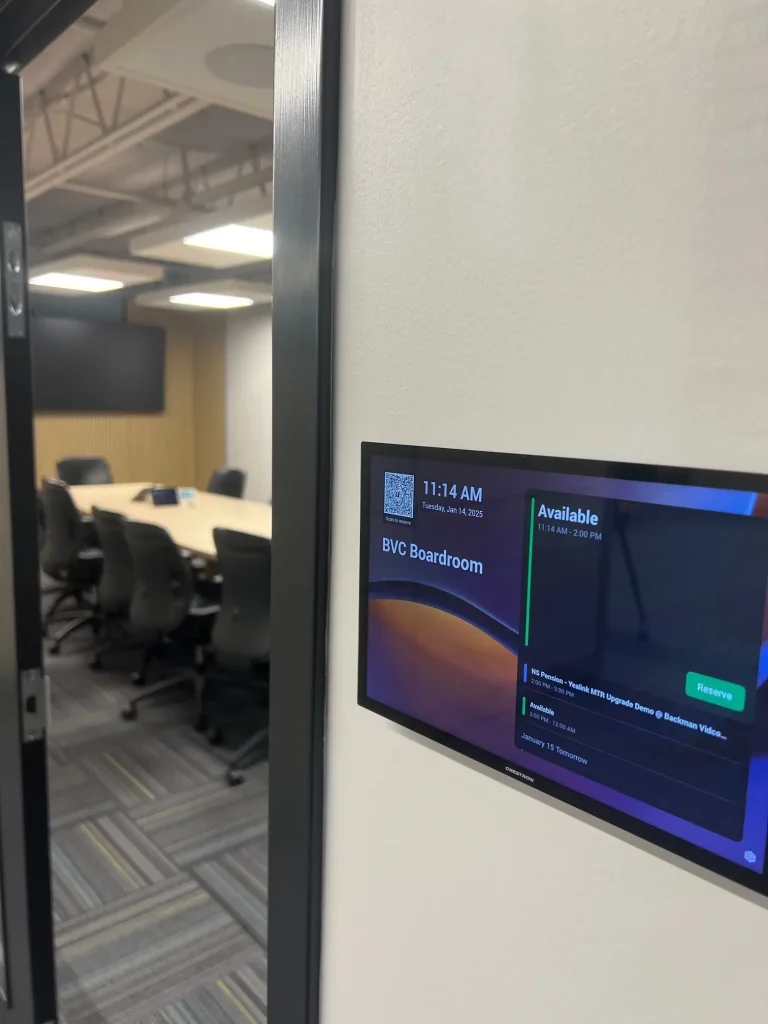
These features genuinely improve daily use of a Teams Room, particularly for organizations managing several spaces. But the platform still depends on the underlying hardware, camera, microphones, speakers, being installed correctly and matched to the room. Our post on Microsoft Teams Breakout Rooms covers more of what the Teams platform offers for collaboration.
Should AI Features Be a Priority When Upgrading?
If you’re planning a meeting room upgrade, AI-enabled equipment is worth including in the spec, but it shouldn’t be the first decision. The first decision is whether the room’s acoustics, camera sightlines, and microphone coverage are sound. Once that foundation is right, AI features make a good system noticeably better.
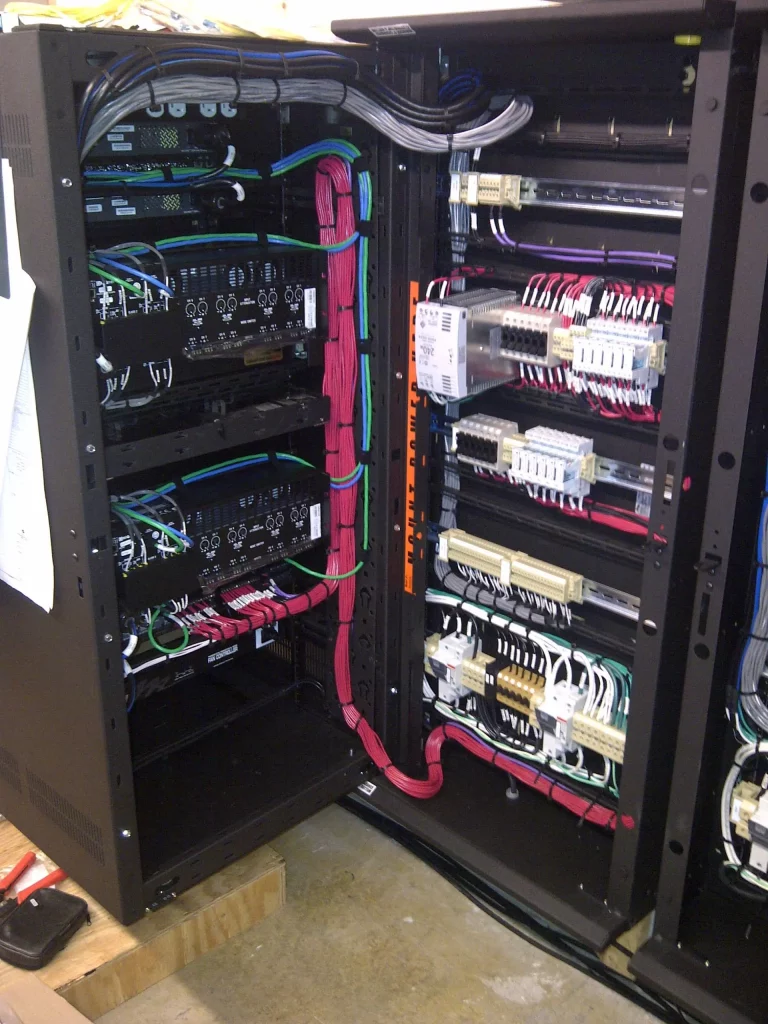
If you’re evaluating an existing room that isn’t working well, it’s worth getting an honest assessment of whether the room itself is the problem before assuming new AI-powered hardware will fix it. Our guide on when you need an AV professional for your meeting room is a good starting point for that assessment.
Frequently Asked Questions About AI in Meeting Room AV
Does AI replace the need for good room acoustics? No. AI features like noise suppression work best alongside proper acoustic treatment, not instead of it. A room with significant echo or reverberation will still sound poor on calls even with AI processing applied.
Is AI camera tracking reliable in larger rooms? Yes, when paired with the right camera hardware. Larger rooms typically need a PTZ camera with AI-driven tracking, or multiple cameras working together, rather than a single fixed-angle device trying to cover the whole space.
Does every meeting room need AI features? Not necessarily. Smaller focus rooms can perform well with simpler all-in-one video bar systems. AI-driven features add the most value in larger or higher-traffic rooms where automated framing and device monitoring reduce daily friction.
Can AI features be added to an existing room? Often, yes, depending on the existing hardware. Some platforms allow AI feature upgrades through firmware, while others require new camera or processing hardware. We assess this during a site visit.
Stay ahead of the curve. Subscribe to the Backman Vidcom newsletter for practical AV insights built specifically for Atlantic Canada organizations. No fluff, just guidance you can use. Subscribe here.
Backman Vidcom – AV Integrators in Halifax, NS
Backman Vidcom has been designing and installing professional AV systems for organizations across Atlantic Canada for more than 50 years. If you’re evaluating an AI-enabled meeting room upgrade, or trying to understand why your current room still isn’t working, contact us to arrange a consultation, or call 902-450-5005.